





Logo mark concepts
Generate irregular, startup-style marks from project context instead of settling for initials or icon packs.
Grass Lemon turns an indie project context and theme colors into distinctive AI logo marks, favicons, OG images, manifests, and framework-ready snippets.
AI mark generation, favicon previews, launch assets
Install Grass Lemon with one npx command, then run the same brand-kit workflow inside the AI coding tools you already use.
npx grass-lemon@latest initReference layout density follows Magic Eraser: a fast tool-first hero, practical use cases, proof sections, workflow, stories, FAQ, and a final conversion moment.
Generate irregular, startup-style marks from project context instead of settling for initials or icon packs.
Preview each candidate at 16, 32, and 48 pixels before committing to a brand direction.
Compose share images from the chosen mark, app name, one-liner, and exact project colors.
Export HTML head tags plus Next, Vite, TanStack, Astro, and Nuxt integration snippets.
Run the open-source skill or CLI locally with your own KIE key and apply assets to the project.
Every logo, favicon, and OG image below was generated by Grass Lemon — same pipeline, same quality you'll get.


Built for the creative part and the boring part
Most favicon tools resize an image you already have. Grass Lemon starts earlier: it understands the project, generates better marks, reviews small-size clarity, cleans the result, and packages the full launch kit.
Read app metadata, theme colors, existing assets, and framework hints before generating anything.
Create multiple logo directions through KIE AI with strict no-text, no-stock-icon constraints.
Score candidates for brand fit, silhouette, favicon clarity, color accuracy, and vector readiness.
Remove backgrounds, simplify detail, generate SVG variants, and prepare a favicon-specific source.
Download logo variants, favicon packs, manifests, OG images, metadata, and copy-paste snippets.
The leading tools are useful, but most were designed around one asset or one step. Indie makers need a complete brand pass that survives the browser tab, the launch card, and the repo.
Classic logo makers are fast because they combine icons, type, and templates. That model is convenient, but it often produces a mark that feels assembled rather than authored.
The output usually stays close to preset shapes, generic symbols, and predictable layout formulas.
A logo can look acceptable in a preview and still become forgettable when reduced to a favicon.
The brief rarely carries enough context to express product category, audience, taste, and visual restraint.
Text-to-favicon and image-to-favicon tools are excellent utilities. They solve format conversion, not brand identity.
They help resize or package what you already have, but they do not help decide what the mark should be.
A letter, emoji, or simple glyph is easy to ship, but it often fails to carry a distinct product personality.
The favicon may be ready, while the logo variants, OG image, app icon, manifest, and metadata are still separate tasks.
AI can create stronger visual concepts, but the workflow usually turns into prompt tuning, selection, cleanup, background removal, vectorization, and export work.
Getting a usable mark means writing constraints for style, color, detail, text avoidance, and small-size clarity.
Transparent backgrounds, simplified silhouettes, SVG passes, and export sizes become the same chores on every new project.
You still need to test whether the mark works at 16x16, on dark surfaces, and inside real web UI contexts.
Large design platforms and small utilities both leave gaps for builders shipping many products. The missing piece is one flow that turns context into every high-quality asset a web app needs.
Logo, favicon, OG image, app icons, manifest, and framework metadata are usually generated in different places.
Indie makers shipping many experiments pay the same setup cost again and again.
Start with the product context, generate a stronger mark, validate it, and package the launch assets together.
The workflow mirrors how a designer would narrow a mark, but packages the result like an engineer needs it.
Start with app name, one-liner, audience, tone, domain, and theme colors.
Create several visual routes and multiple candidates for each route.
Compare large mark, favicon, browser tab, app icon, and dark/light previews.
Download the ZIP or apply files and metadata snippets to your project.
Grass Lemon is for indie projects that need credible launch assets without opening a design suite.
"I can turn a weekend idea into something that looks launchable before I write the pricing page."
Maya Chen
Indie hacker
"The favicon preview matters. Most generated logos fall apart there, and this catches it early."
Jon Bell
AI tools builder
"The TanStack snippets save the tiny integration work I usually postpone until the end."
Sara Novak
Template maker
"BYOK means I can keep experimental client projects local and still get a polished asset pack."
Leo Martin
Freelance developer
"It gives us a strong first brand pass for small SaaS builds without pretending to replace a designer."
Priya Shah
Studio founder
The practical details before you trust an AI-generated mark with your launch.
Product updates, guides, and engineering notes from the team.
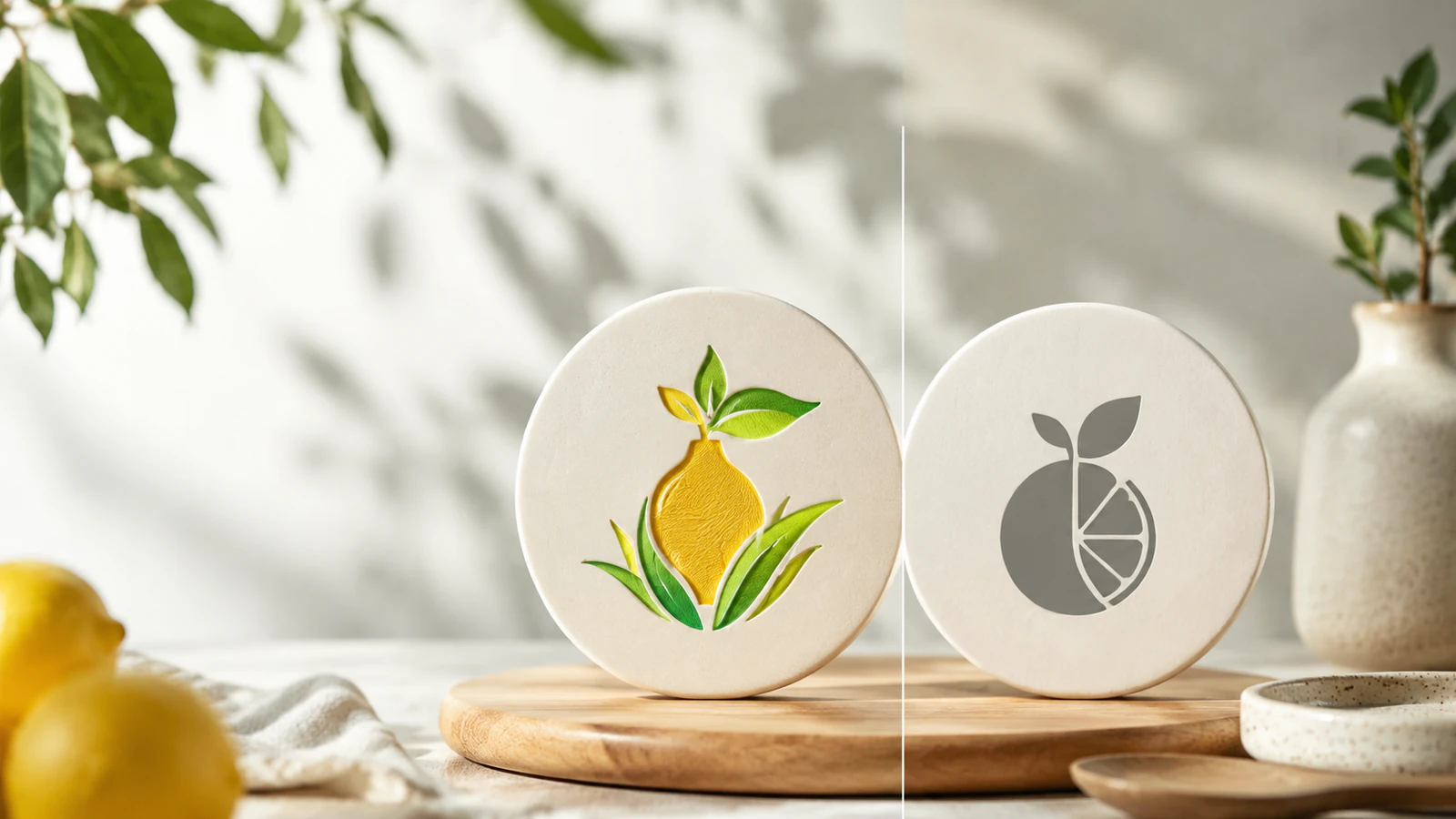
A fair, detailed comparison of two AI brand-kit tools built for indie makers, covering mark quality, 16px favicon clarity, BYOK vs credits, and which one to actually pick.
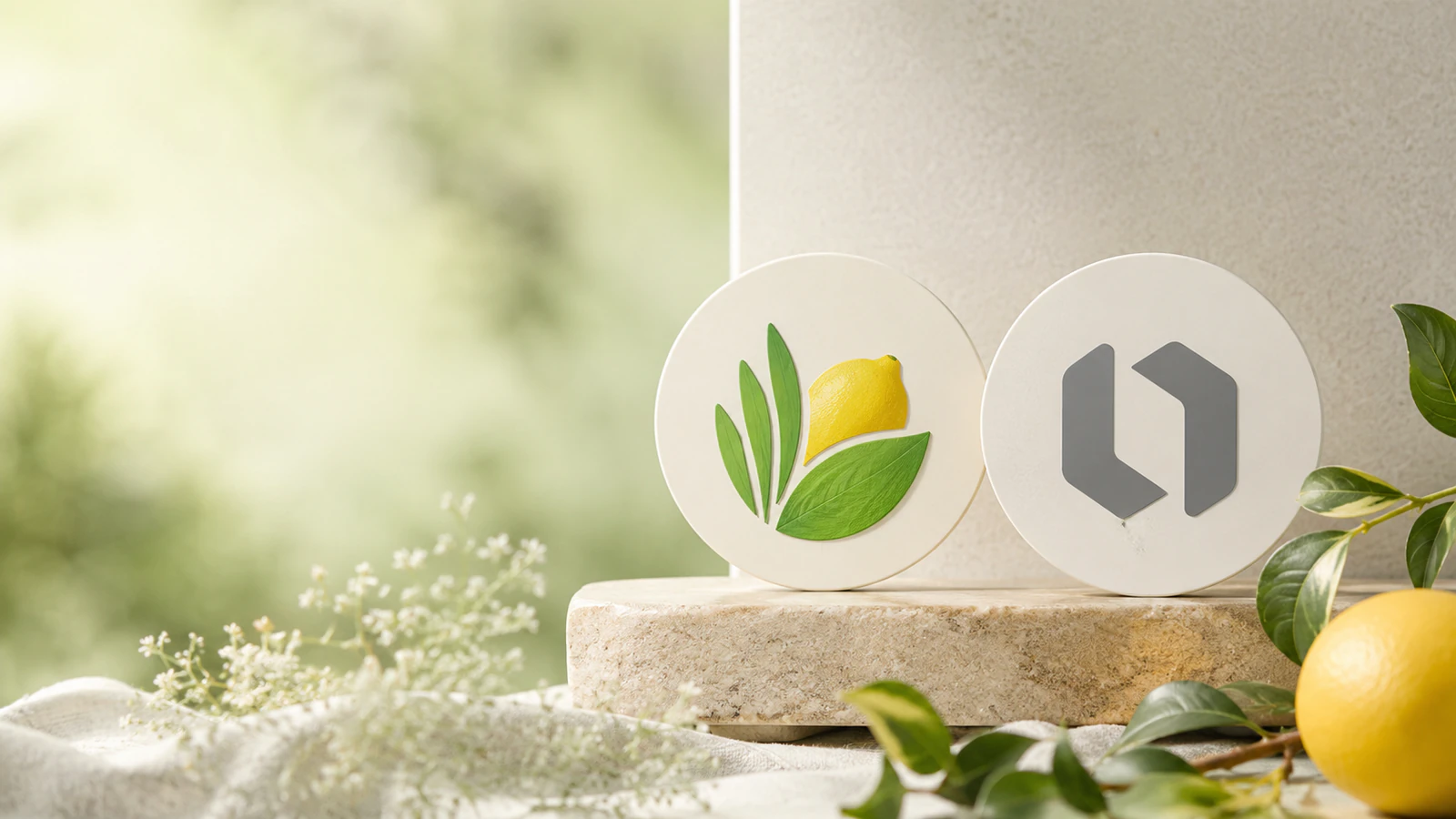
A fair comparison of Grass Lemon and Looka for 2026: 16px favicon clarity and BYOK code assets versus Looka’s $96/yr 300-asset brand kit, and which to pick for a dev project.
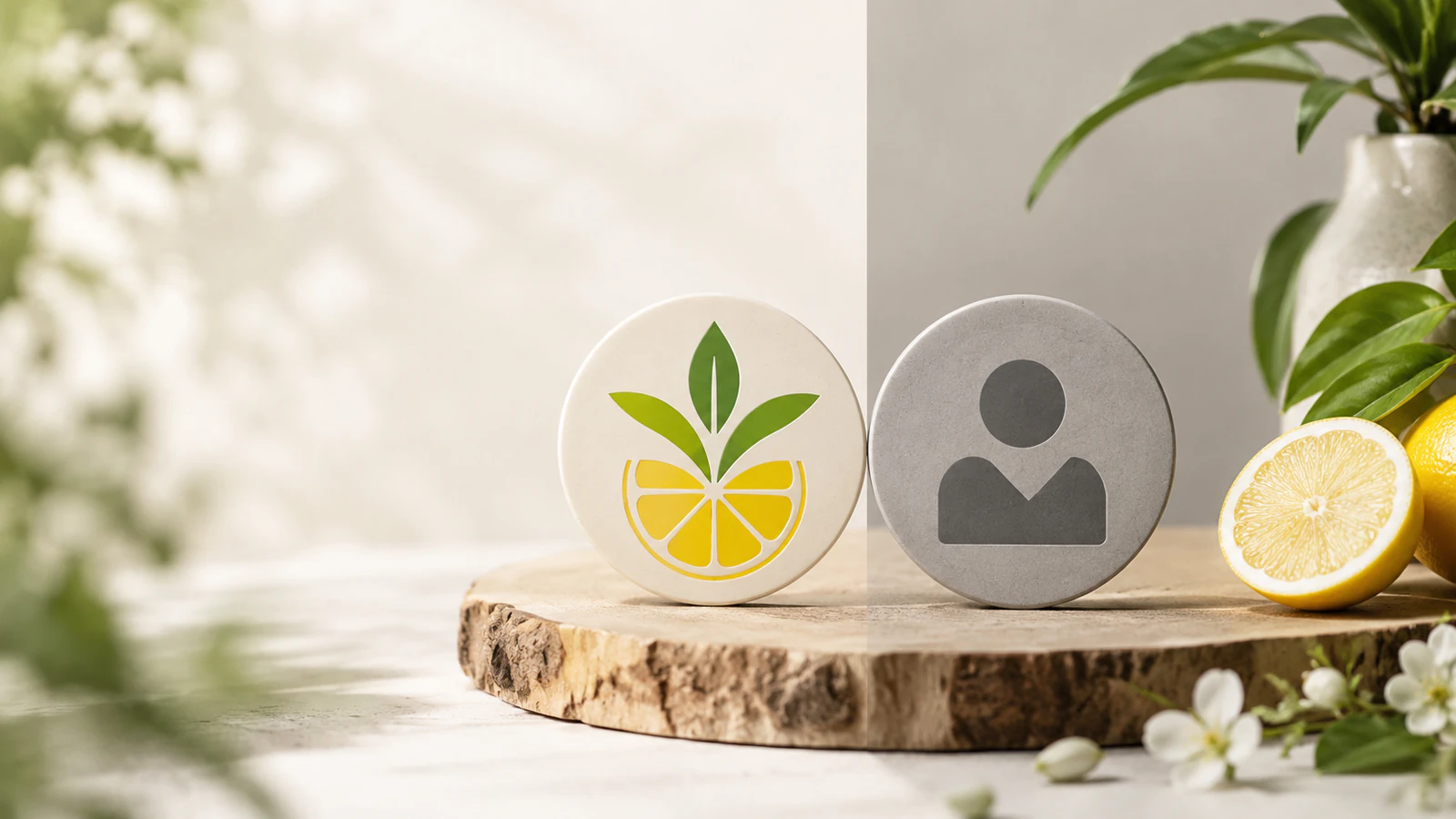
A fair comparison of Grass Lemon and RealFaviconGenerator for 2026: generating a logo mark versus packaging one into every favicon size, and when you actually need both.
Start with a project brief and theme color. Leave with a brand kit your app can actually use: logo variants, favicons, OG images, manifests, and snippets.